Google Pay is a digital wallet platform and online payment system developed by Google to power in-app, online, and in-person contactless purchases on mobile devices, enabling users to make payments with Android phones, tablets, or watches. To make payments using Google Pay, simply download from the respective app store to set up an account:
Google Pay on PetSmart Online Store:
- Select the Visa/Master button as the payment method.
- Click on the "Google Pay" button and proceed with payment accordingly.


Google Pay at our Retail Stores:
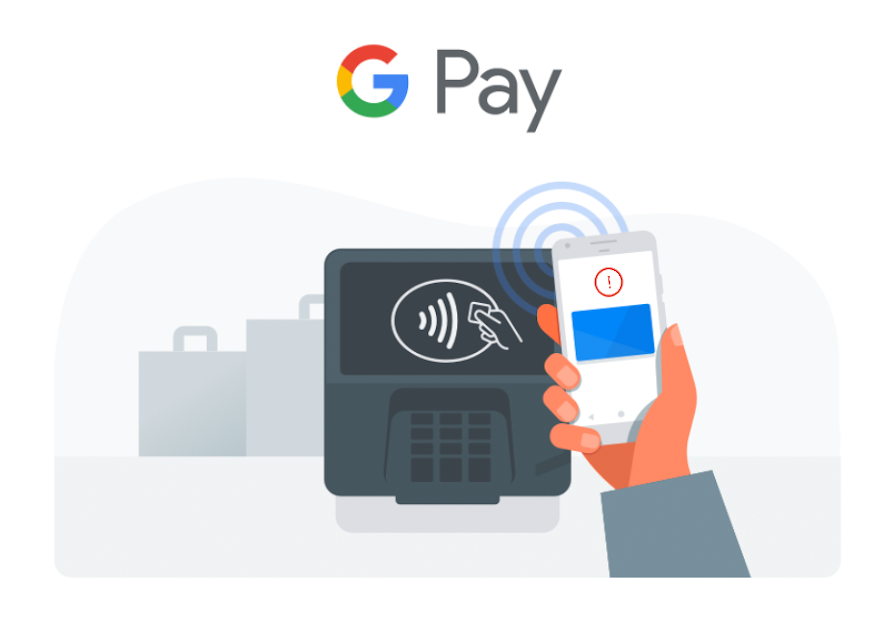
Unlock your phone and hold the back of your phone close to the payment reader for a few seconds
When you’re done paying, a blue checkmark will appear on the screen. If the checkmark isn't shown on your screen, try holding your phone in a different way. Your NFC antenna could be near the top or bottom of your device.